
Step One
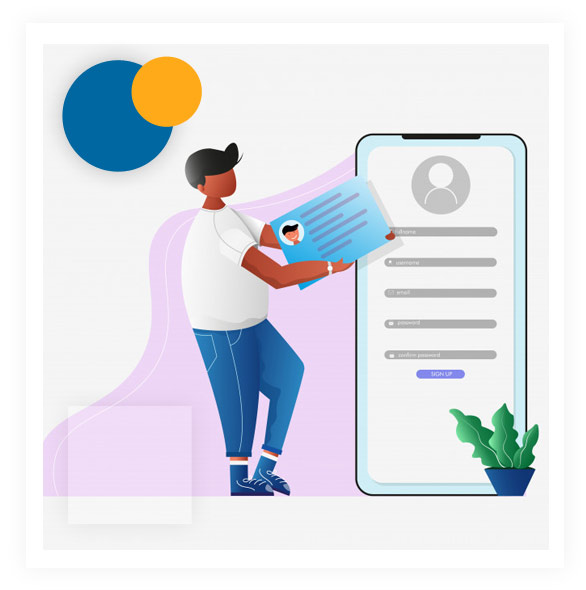
Register Here for free to start your e-Learning journey.
Opetus is an easy to use platform designed to get Educators online without any hurdles. Follow the below steps and set up your profile in no time!
Register Here for free to start your e-Learning journey.
Once you have registered, you will get a Unique Tutor ID. You'll need this ID to get your students online.
From your Dashboard, start uploading your videos. There are many ways to make an informative training video. Scroll down below to know how you can start making your content now!

Now, share your Tutor ID with your Students. When your Students will register on Opetus with your Tutor ID, you will receive a notification. Once you accept their request, they will able to watch your video online!